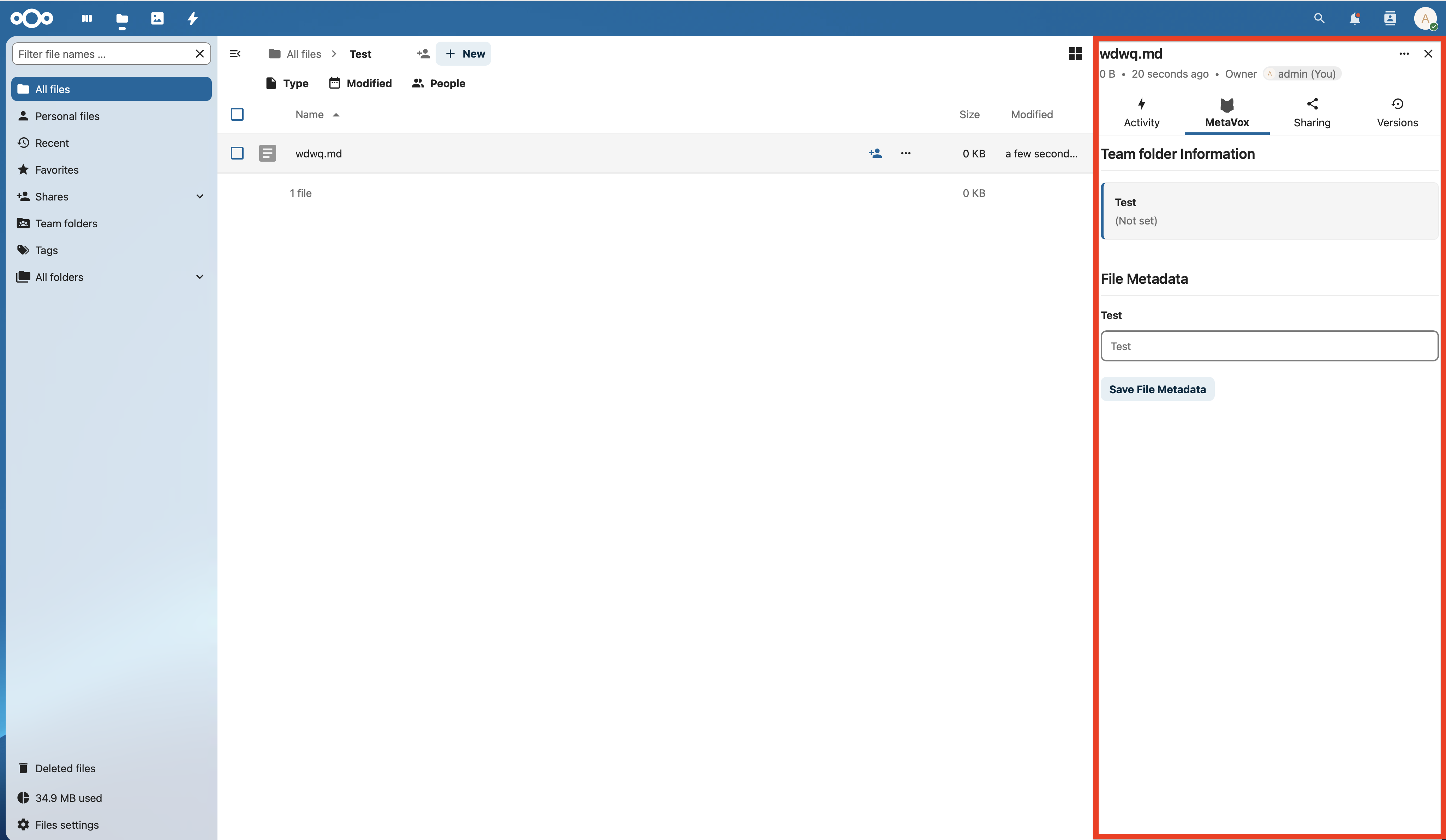
Structured metadata for Nextcloud documents
An open-source Nextcloud app developed by the University of Amsterdam. Enrich your documents with contextual information without modifying the files themselves.
MetaVox provides structured and machine-readable metadata that is non-intrusive - the file content remains unchanged.
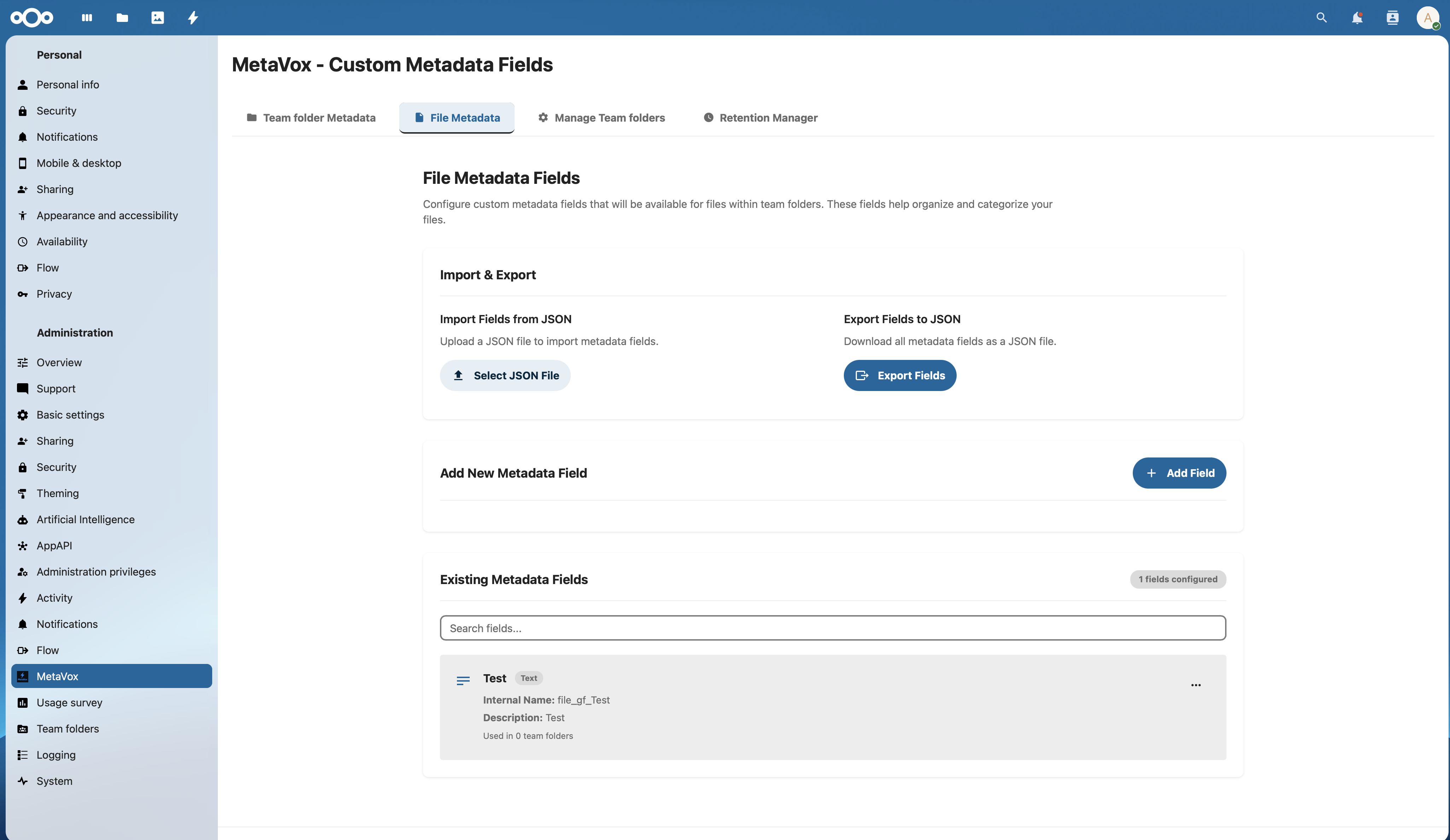
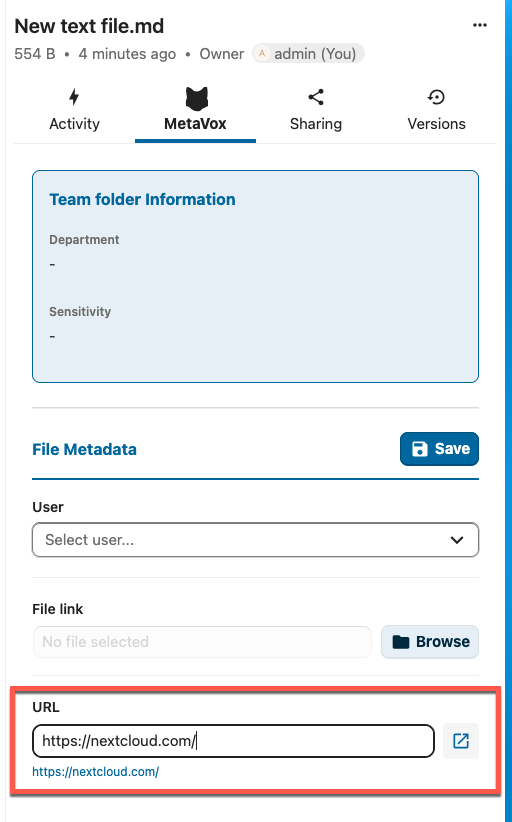
Extensive choice of field types for every metadata need.
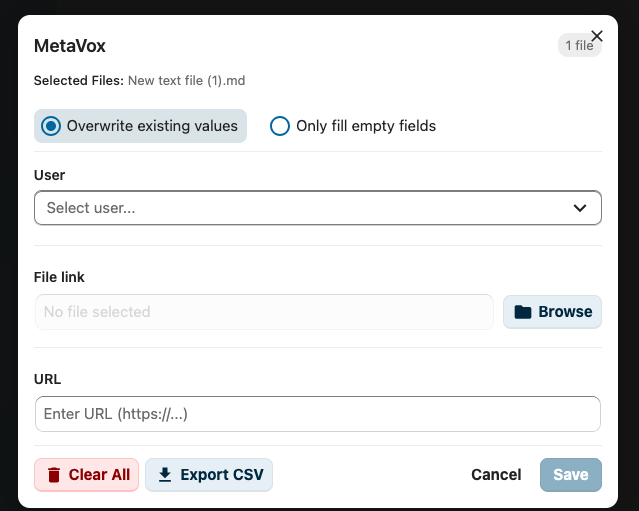
URL input field with validation and clickable external link button.
Select from Nextcloud user database with avatar display.
Native Nextcloud file picker integration for document linking.
Like Select, but allows multiple selections for tags and related topics.
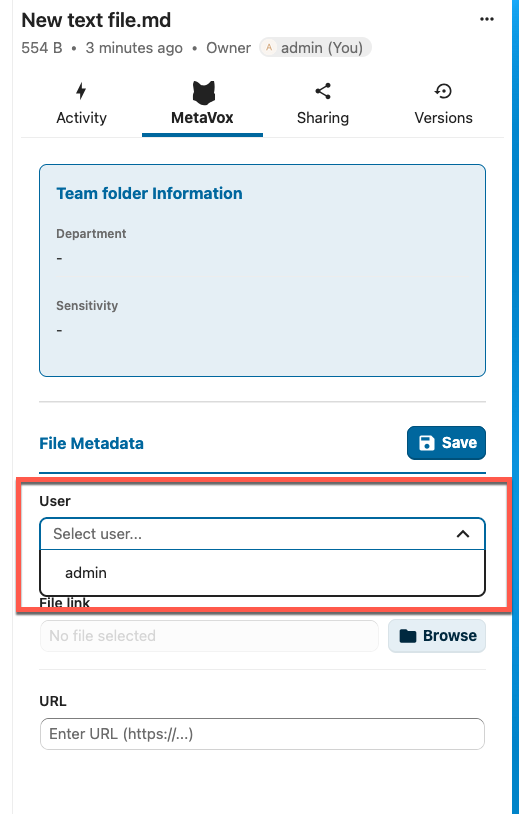
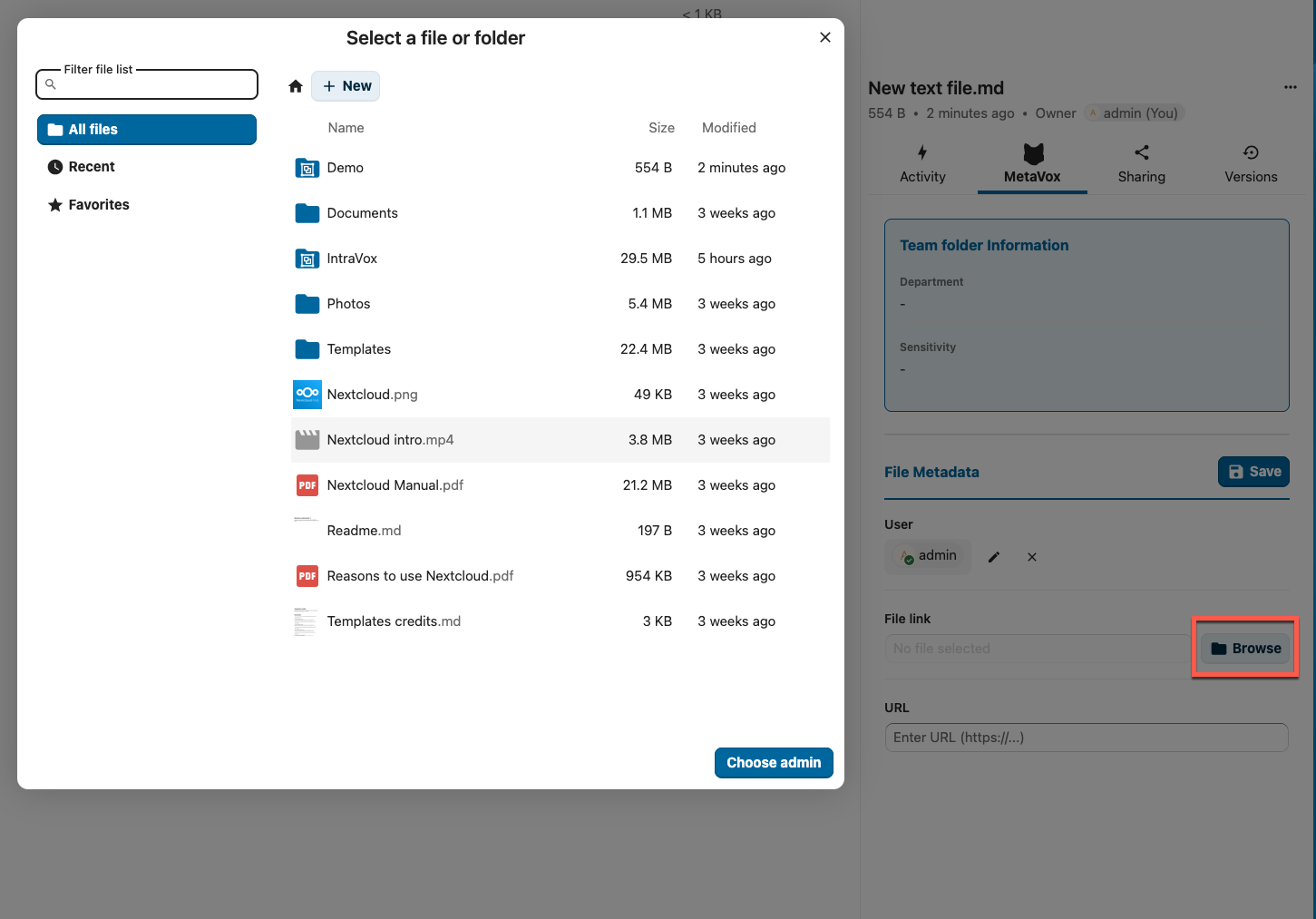
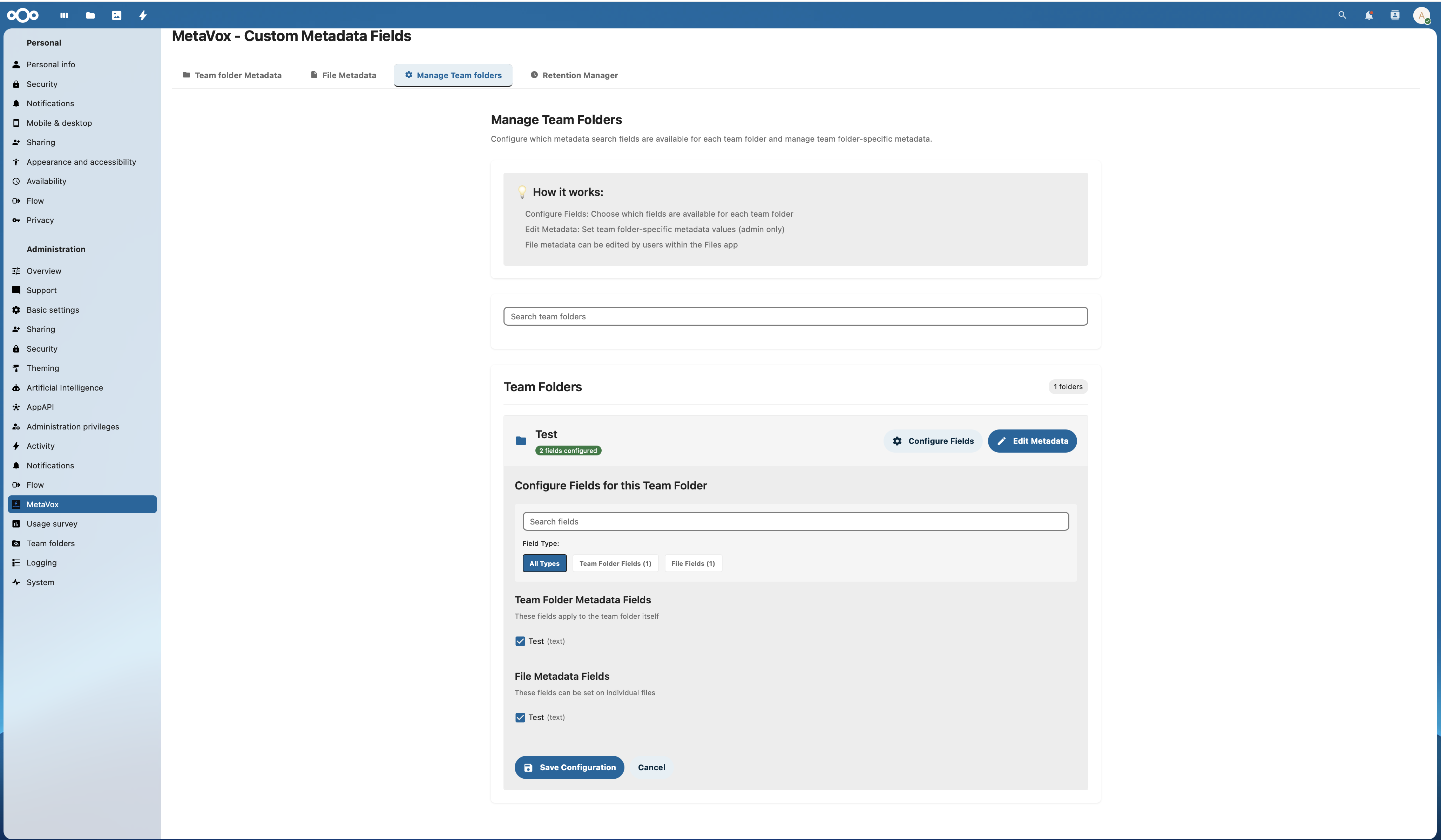
Manage metadata definitions at team folder level for consistent classification.
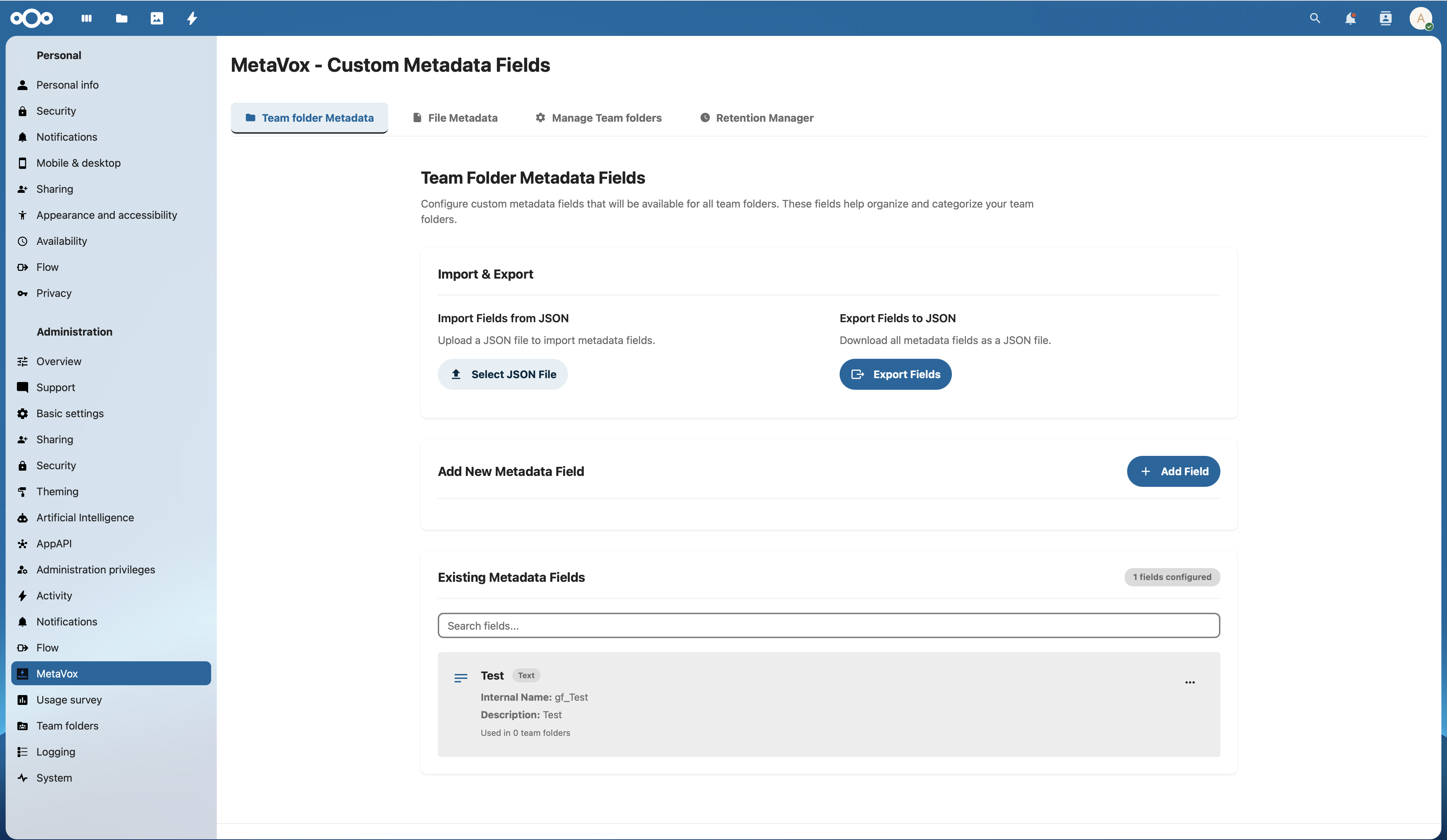
Configure metadata fields easily via the admin interface.
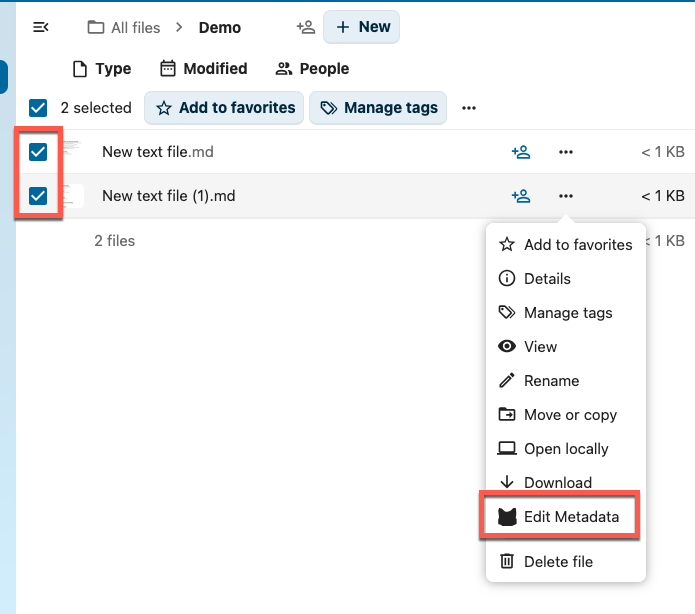
Apply metadata to multiple files at once via the Bulk Metadata Editor in the Files app.
Automate actions based on metadata values with Nextcloud Flow integration.
Use operators like "is", "contains" and regex matching for flexible rules.
Automatically restrict access based on metadata classification.
Send automatic notifications when metadata has certain values.
Block downloads for confidential documents based on metadata.
Link actions to metadata changes for automated workflows.
Tag educational materials with curriculum codes, grade level and subject area.
Classify policy documents with status, version and approval information.
Annotate research documents with methodology, datasets and citations.
Track contract dates, parties, amounts and expiration dates.
Retention policies and archiving metadata for legal requirements.
Organize project documents with phase, owner and status.
Manage research documents, publications and datasets with extensive metadata for findability and compliance.
Document classification, retention policies and archiving metadata for legal requirements.
Organize project documents, contracts and reports with structured metadata for quick retrieval.
Track contract dates, parties, amounts and expiration dates. Automatic notifications via workflows.
Export and import metadata definitions as JSON for backup or migration.
Download metadata as CSV file with timestamp, including file path and name.
Share metadata schemas between installations via JSON export.
Filter IntraVox news widgets by MetaVox metadata for targeted content.
Add structured metadata to IntraVox intranet pages.
Search intranet content based on MetaVox metadata tags.
Automatic document retention and deletion based on metadata.
Metadata version history for audit trails.
Detailed logging of metadata changes.
Searchable and filterable metadata in Nextcloud search.
MetaVoxMetaVox was originally developed by Sam Ditmeijer and Rik Dekker at the University of Amsterdam.
MetaVox is available under the AGPL-3.0 license. For commercial use with team folders and extended support, a commercial license is available.